Best AI Tools for .NET Developers in 2025 (Boost Productivity & Code Quality)
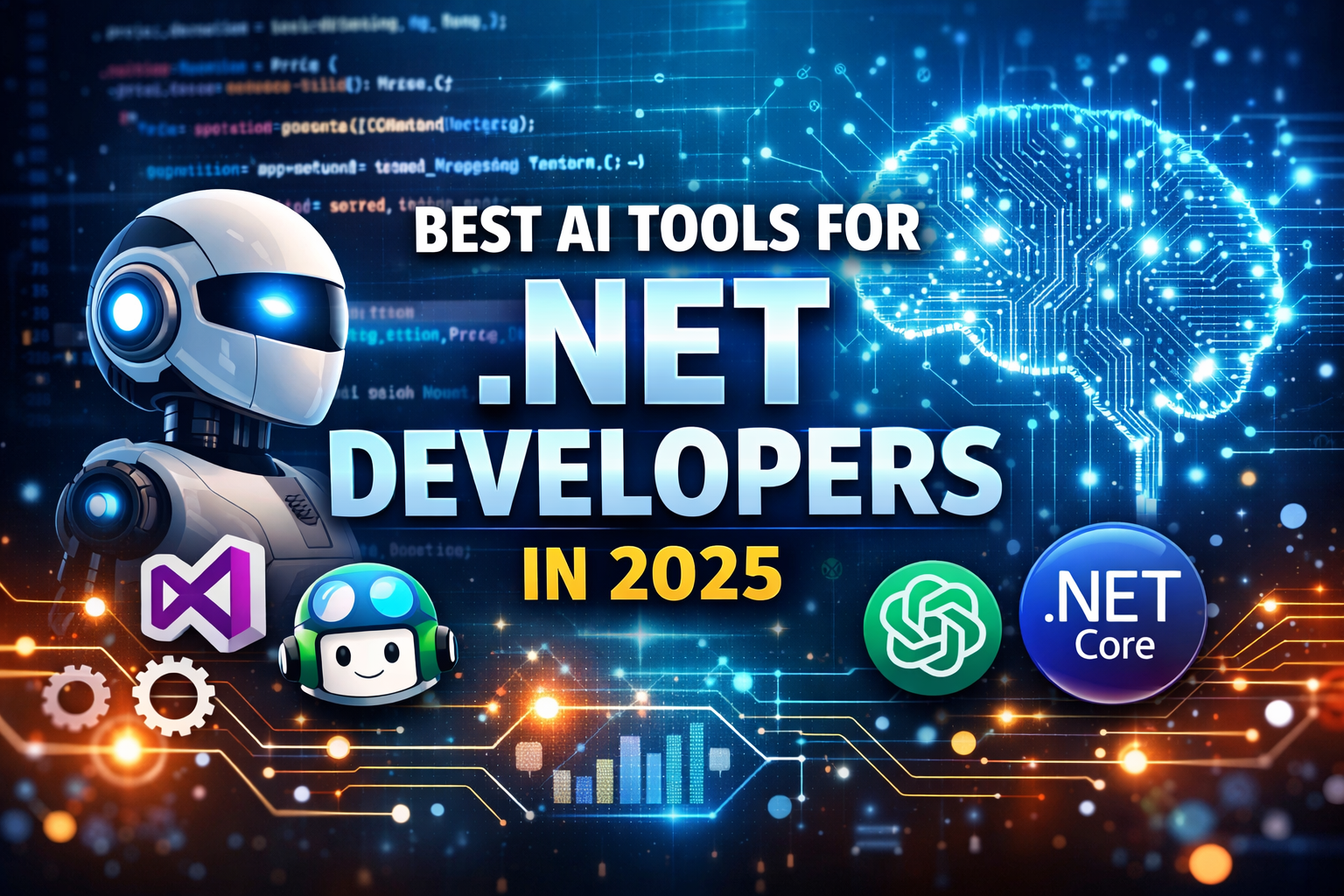
Best AI Tools for .NET Developers: Coding, Testing, Documentation and DevOps
Artificial Intelligence is no longer something developers are simply waiting for. It is already being used every day to write code, test applications, identify errors, generate documentation, and improve software development workflows.
For .NET developers, AI-powered tools can help with tasks ranging from code suggestions and debugging to testing, documentation, code review, and DevOps.
This guide explores some of the most useful AI tools for .NET developers and explains where each type of tool can fit into a modern development workflow.
In this guide, you will learn about:
- AI tools for faster coding
- AI-assisted testing and QA
- Code review and quality tools
- Documentation tools
- Visual Studio and .NET productivity tools
- AI-assisted DevOps and monitoring
1. GitHub Copilot: AI Coding Assistant
GitHub Copilot is an AI-powered coding assistant from GitHub that can provide code suggestions directly inside supported development environments.
It can help developers write functions, generate repetitive code, explain code, create tests, and work with natural-language instructions.
Key Features for .NET Developers
- Code completion
- Function and method generation
- Unit-test assistance
- Code explanations
- Documentation assistance
- Natural-language coding prompts
Best Use Cases
.NET developers can use Copilot for tasks such as:
- Generating ASP.NET Core controllers
- Creating C# classes and methods
- Writing LINQ queries
- Creating Entity Framework Core code
- Generating unit-test templates
- Explaining unfamiliar code
Copilot can reduce repetitive coding work and allow developers to spend more time on architecture, business logic, and system design.
2. GitHub Copilot in Visual Studio
For developers working with Microsoft's development ecosystem, GitHub Copilot integrates with supported versions of Visual Studio and can provide AI-assisted coding directly within the IDE.
Developers can use it alongside existing Visual Studio features such as IntelliSense, debugging, testing, and project management.
For official information, see GitHub Copilot for Visual Studio.
Best For
- C# development
- ASP.NET Core applications
- .NET APIs
- Debugging assistance
- Code explanations
- Productivity improvements
3. ChatGPT: AI Assistant for Developers
ChatGPT can be useful for .NET developers beyond simple code generation.
Developers can use an AI assistant to explain errors, discuss architecture, generate examples, understand programming concepts, and explore possible solutions.
Common Use Cases
- Explaining stack traces
- Understanding C# errors
- Generating algorithm ideas
- Refactoring code
- Creating documentation
- Learning .NET concepts
- Reviewing possible implementation approaches
For example, a developer could provide an ASP.NET Core error and ask for an explanation of the likely causes and possible debugging steps.
AI-generated suggestions should still be reviewed and tested before being used in production.
4. AI-Assisted Unit Testing
AI-assisted testing tools can help developers create test cases from existing code and identify scenarios that may require additional testing.
For .NET applications, developers commonly work with testing frameworks such as:
- xUnit
- NUnit
- MSTest
Benefits of AI-Assisted Testing
- Faster test creation
- More test-case ideas
- Assistance with edge cases
- Reduced repetitive work
- Better testing coverage when combined with human review
One example is Diffblue Cover, which focuses on AI-assisted unit-test generation, particularly for Java. Before recommending any specific tool for a .NET project, developers should verify its current language and framework support.
5. Tabnine: AI Code Assistant
Tabnine is an AI coding assistant designed to help developers generate and complete code.
Depending on the current product configuration and plan, Tabnine provides features focused on privacy, enterprise development, and AI-assisted coding.
Potential Use Cases
- Code completion
- Developer productivity
- Enterprise development workflows
- Project-specific assistance
- AI-assisted code generation
Teams should review the current product documentation and security policies before selecting an AI coding assistant for confidential or enterprise projects.
6. AI Documentation Tools
Documentation is an important part of software development, but developers often spend less time on it than they should.
AI tools can assist with generating or improving:
- README files
- Code comments
- API documentation
- Code explanations
- Examples
- Technical guides
Tools such as Qodo provide AI-assisted development capabilities that can support testing, code understanding, and documentation-related workflows.
AI-generated documentation should always be checked for technical accuracy because generated explanations can sometimes miss important project-specific details.
7. AI Code Review and Code Quality Tools
AI-powered code-quality tools can help developers identify potential issues in source code.
Depending on the platform, these tools may identify:
- Bugs
- Security issues
- Code smells
- Performance concerns
- Style problems
- Maintainability issues
DeepSource is one example of a platform focused on automated code analysis and code-quality workflows.
Benefits
AI-assisted code analysis can help teams:
- Find issues earlier
- Standardize code-quality checks
- Reduce repetitive manual review
- Integrate analysis into CI/CD workflows
- Improve maintainability
AI analysis should complement—not replace—human code reviews.
8. AI-Assisted Deployment and DevOps Tools
AI is also being integrated into DevOps workflows.
AI-assisted DevOps tools can help teams analyze:
- Deployment failures
- Logs
- Alerts
- Infrastructure issues
- Performance problems
- Operational patterns
For teams using Microsoft's ecosystem, Azure DevOps and Azure's broader AI and monitoring ecosystem can be combined with automation and observability workflows.
Common Use Cases
- Deployment analysis
- Alert investigation
- Log analysis
- Incident assistance
- CI/CD optimization
9. AI Prompt and Developer Assistants
The quality of an AI-generated result often depends on how clearly the developer describes the task.
Good prompts can include:
- Programming language
- Framework
- Existing code
- Expected behavior
- Input and output requirements
- Error-handling requirements
- Security constraints
For example:
Weak prompt:
"Create a login API."
Better prompt:
"Create an ASP.NET Core Web API login endpoint using C#, Entity Framework Core, validation, password hashing, and appropriate error handling."
Providing more relevant context can make AI assistance more useful.
10. AI Analytics and Monitoring Tools
Modern .NET applications can generate large amounts of logs, metrics, and telemetry.
AI-assisted observability tools can help teams analyze this information and identify patterns related to:
- Application failures
- Performance issues
- Error spikes
- Infrastructure problems
- Recurring incidents
For production .NET applications, these capabilities can support faster troubleshooting and help teams investigate incidents more efficiently.
Selecting the Right AI Tool
| Goal | Tool / Category |
|---|---|
| Code generation | GitHub Copilot |
| Learning and debugging | ChatGPT |
| Unit-test assistance | AI testing tools |
| Documentation | AI documentation tools |
| Code quality | DeepSource and similar tools |
| Code completion | GitHub Copilot / Tabnine |
| DevOps assistance | Azure DevOps and AI-enabled tools |
| Monitoring | AI-assisted observability platforms |
The best choice depends on the project's language, framework, security requirements, budget, team workflow, and existing development environment.
Maximizing Productivity as a .NET Developer
AI tools become more useful when they are integrated into a structured development workflow.
Combine AI Coding Assistance with Human Review
Use AI to generate ideas and repetitive code, but review the result before merging it.
Write Clear Prompts and Comments
Give AI tools enough context to understand what you are trying to accomplish.
Test AI-Generated Code
Run unit tests, integration tests, security checks, and manual testing where appropriate.
Use AI Throughout the Development Lifecycle
AI can potentially assist with:
- Planning
- Coding
- Testing
- Documentation
- Code review
- Debugging
- Deployment
- Monitoring
Protect Sensitive Information
Developers should follow their organization's policies when using AI tools with source code, credentials, customer information, proprietary algorithms, or other confidential data.
How AI Can Improve .NET Development
AI can help .NET developers with several repetitive and time-consuming tasks.
For example, AI can assist with:
Faster development
Generate boilerplate code and implementation ideas.
Debugging assistance
Explain errors and suggest possible troubleshooting approaches.
Testing
Generate test cases and identify potential edge cases.
Documentation
Create initial documentation and code explanations.
Learning
Explain unfamiliar APIs, frameworks, and programming concepts.
However, AI-generated output still requires developer judgment, testing, and validation.
Final Thoughts
AI is becoming an important part of modern software development, and .NET developers have access to a growing ecosystem of AI-powered coding, testing, documentation, DevOps, and monitoring tools.
Tools such as GitHub Copilot and ChatGPT can help developers work more efficiently, while code-quality, testing, documentation, and monitoring tools can support other stages of the software development lifecycle.
The key is not to use every AI tool available. Instead, developers should identify repetitive or time-consuming tasks and choose tools that genuinely improve their workflow.
Start with one tool, learn how to use it effectively, and always combine AI assistance with human judgment, testing, security, and software engineering fundamentals.


Related Post
 February 02, 2026
Artificial Intelligence & Machine Learning for Business Growth
Artificial Intelligence, Machine Learning, AI and ML, AI in business, Machine learning in business, AI driven solutions, AI powered websites, AI website development, AI for business growth, AI automat...
Keep Reading January 17, 2026
GitHub and GitHub Co-pilot: A Comprehensive Guide, Analysis, and Future Outlook
GitHub and GitHub Copilot are transforming modern software development. Learn how AI-assisted coding improves productivity, collaboration, security, and future-ready development practices.
Keep Reading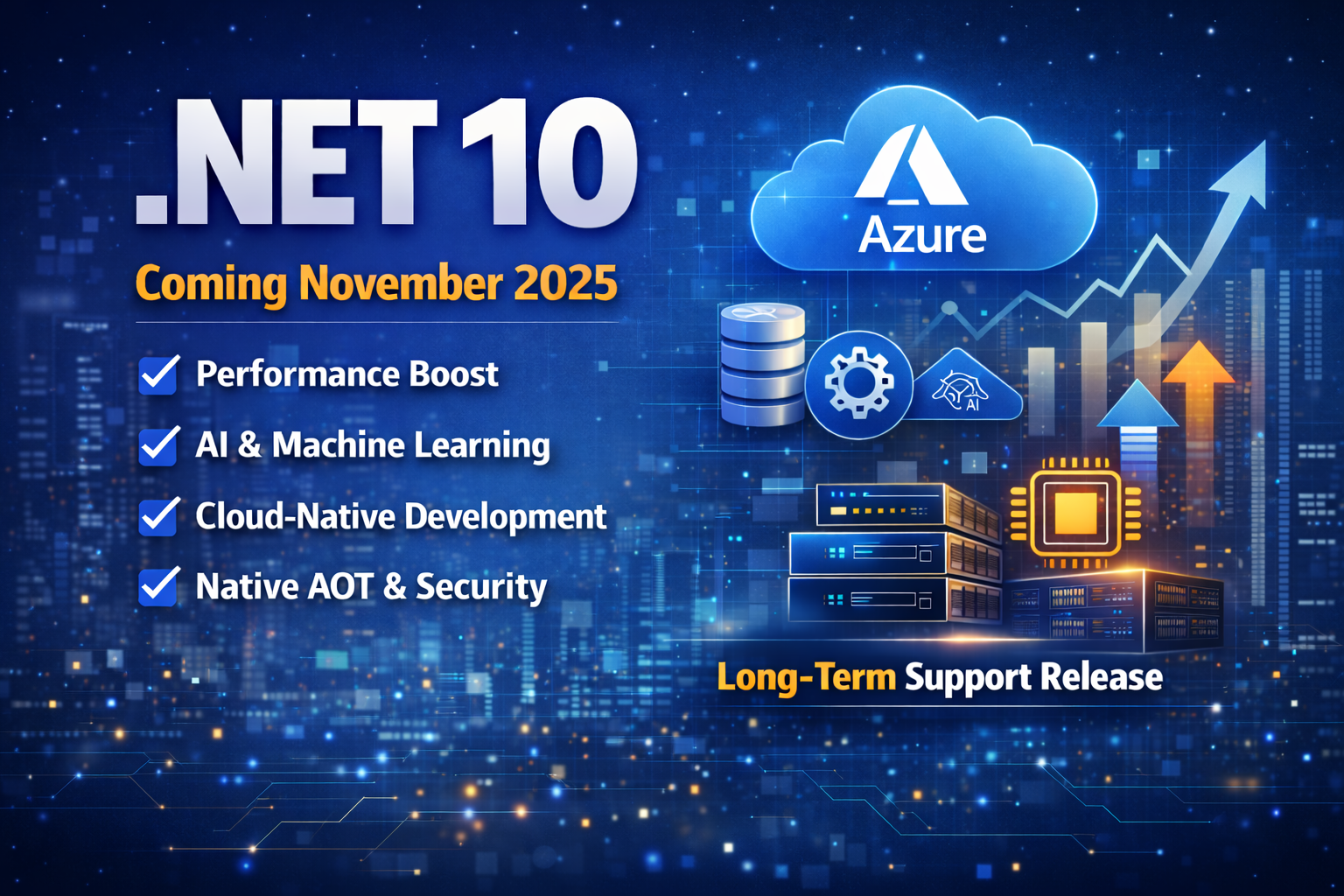 January 17, 2026
What is New about .NET 10: What is New, Which is Better and What is the Future Vision of Microsoft
.NET 10 is the next long-term support release planned for November 2025. It focuses on performance improvements, cloud-native development, Native AOT, AI integration, and enterprise-ready security enh...
Keep Reading